
Report a problem
Tell the AOSplane team what went wrong, with screenshots and logs
Something broken, slow or confusing? Send a report from the dashboard, the desktop app or the mobile app. A person on the AOSplane team reads every report.
Send a report
Dashboard
Desktop app
Mobile app
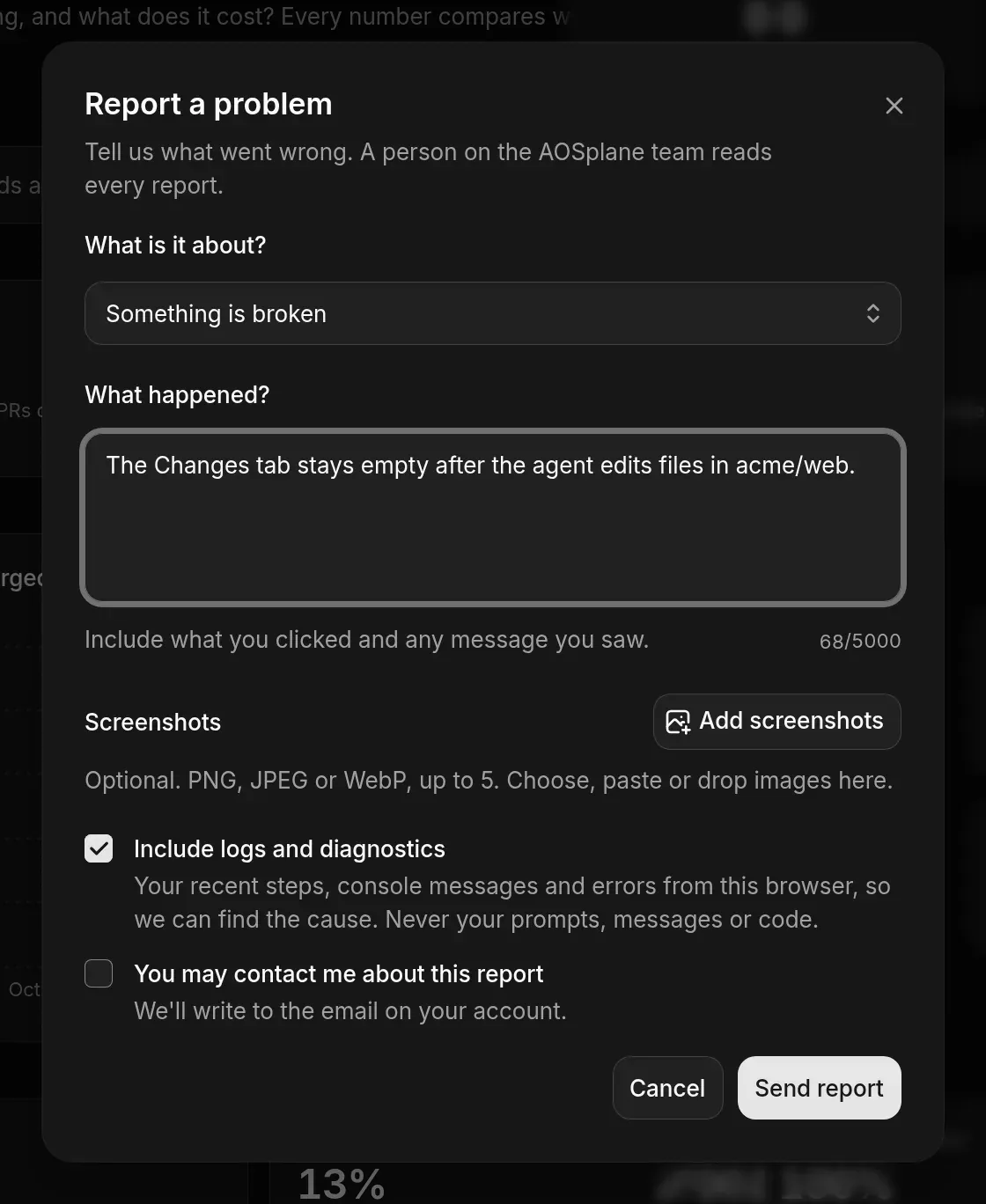
After sending, you get a reference. Choose Copy and quote it if you contact support.
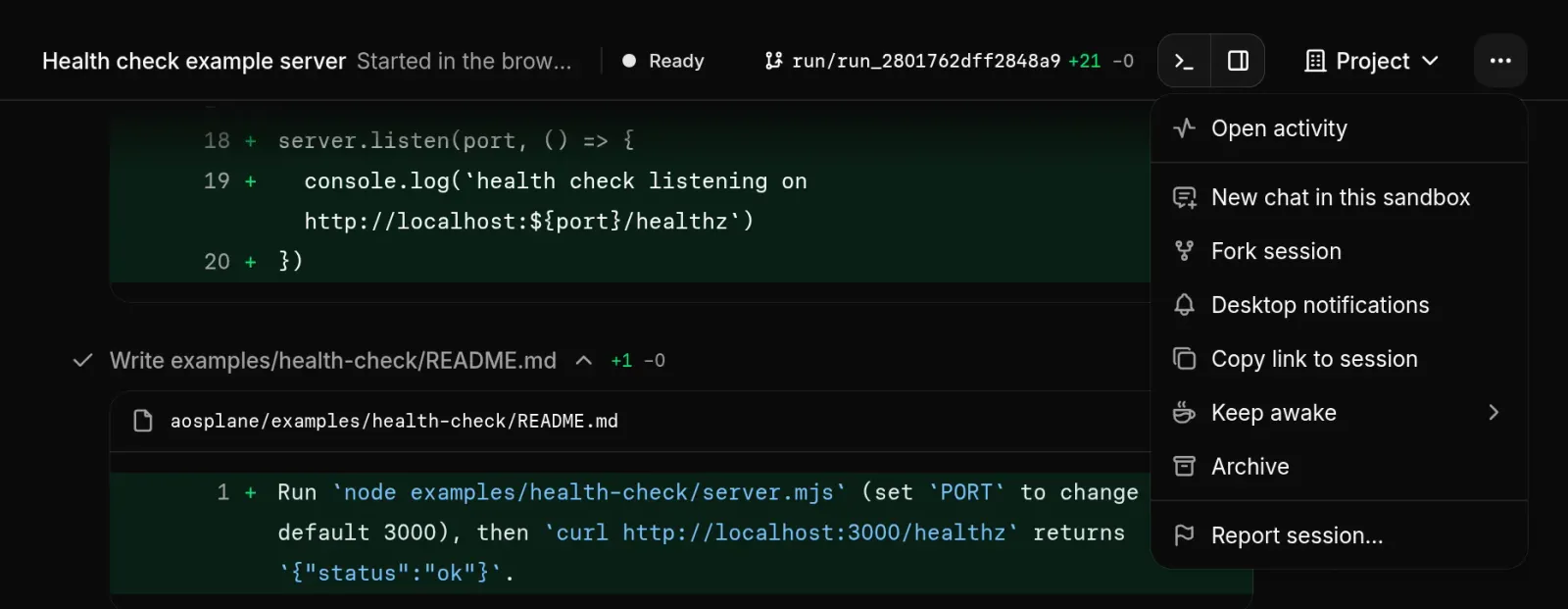
Report a specific session
If one session went wrong, report it from the session itself so the team can find it.
Good to know
- Include logs and diagnostics sends your recent steps, console messages and errors. It never sends your prompts, messages or code.
- A session report carries the session’s ids, not its title.
- Up to 5 screenshots per report (PNG, JPEG or WebP in the dashboard and desktop app). Large images are scaled down before they’re sent.
- Descriptions can be up to 5,000 characters.
- If sending fails, what you wrote stays in the form. If you send several reports in a short time, wait a little and try again.
- You need to be signed in to send a report.