
Find your way around
The sidebar, projects, Search and Settings in the dashboard
The dashboard at app.aosplane.io is where you start and follow sessions, manage projects and change settings. Sign in with a passkey, Google, GitHub or your email, and you land on Home.
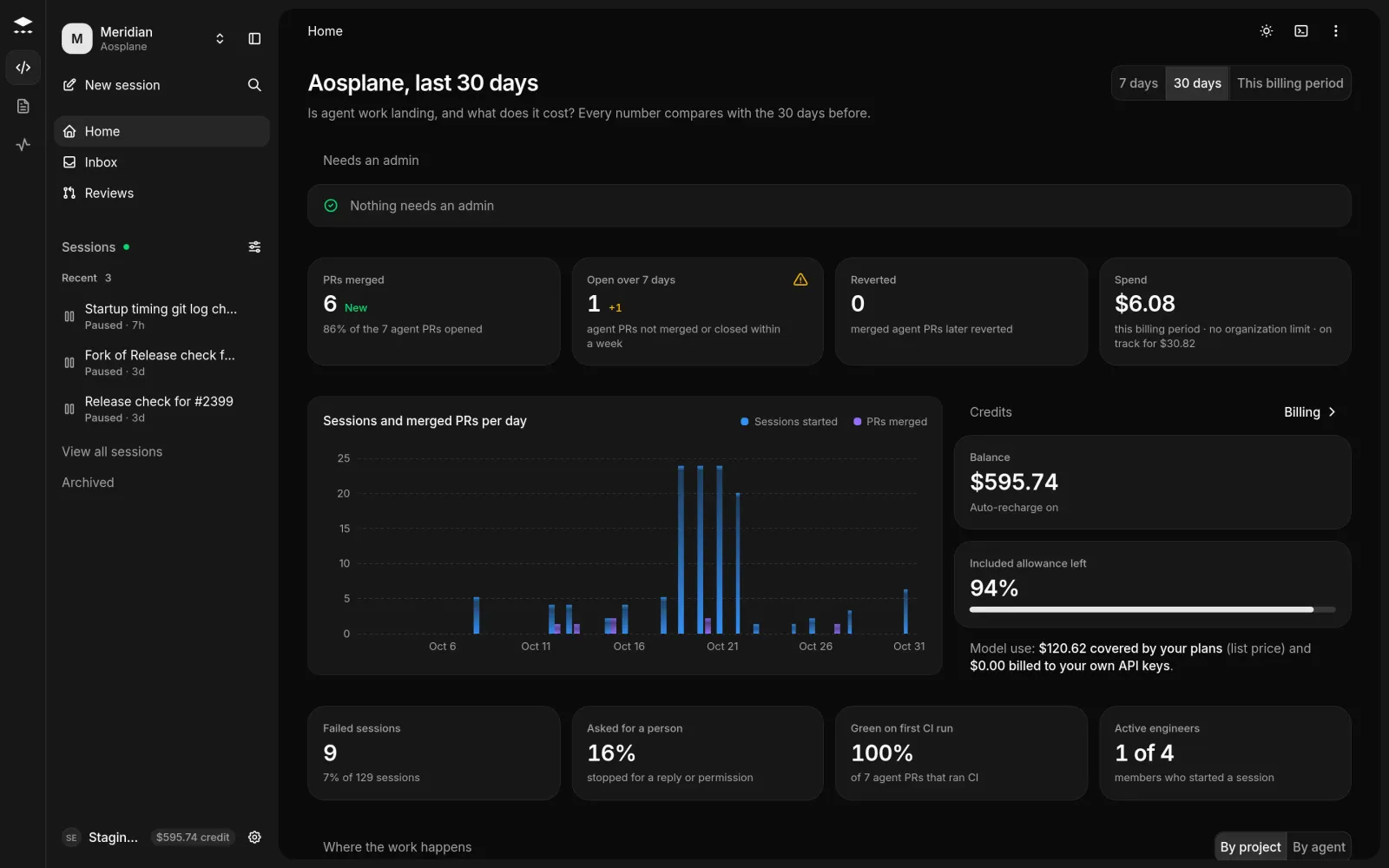
The sidebar
The narrow rail on the far left switches products: Code for sessions and reviews, PM for the product manager, and SRE for incidents and on-call.
Inside a project
A project’s tabs are Overview, Tasks, Sandboxes, Agents, Knowledge, Tools, Repositories, Activity, Analytics and Settings.
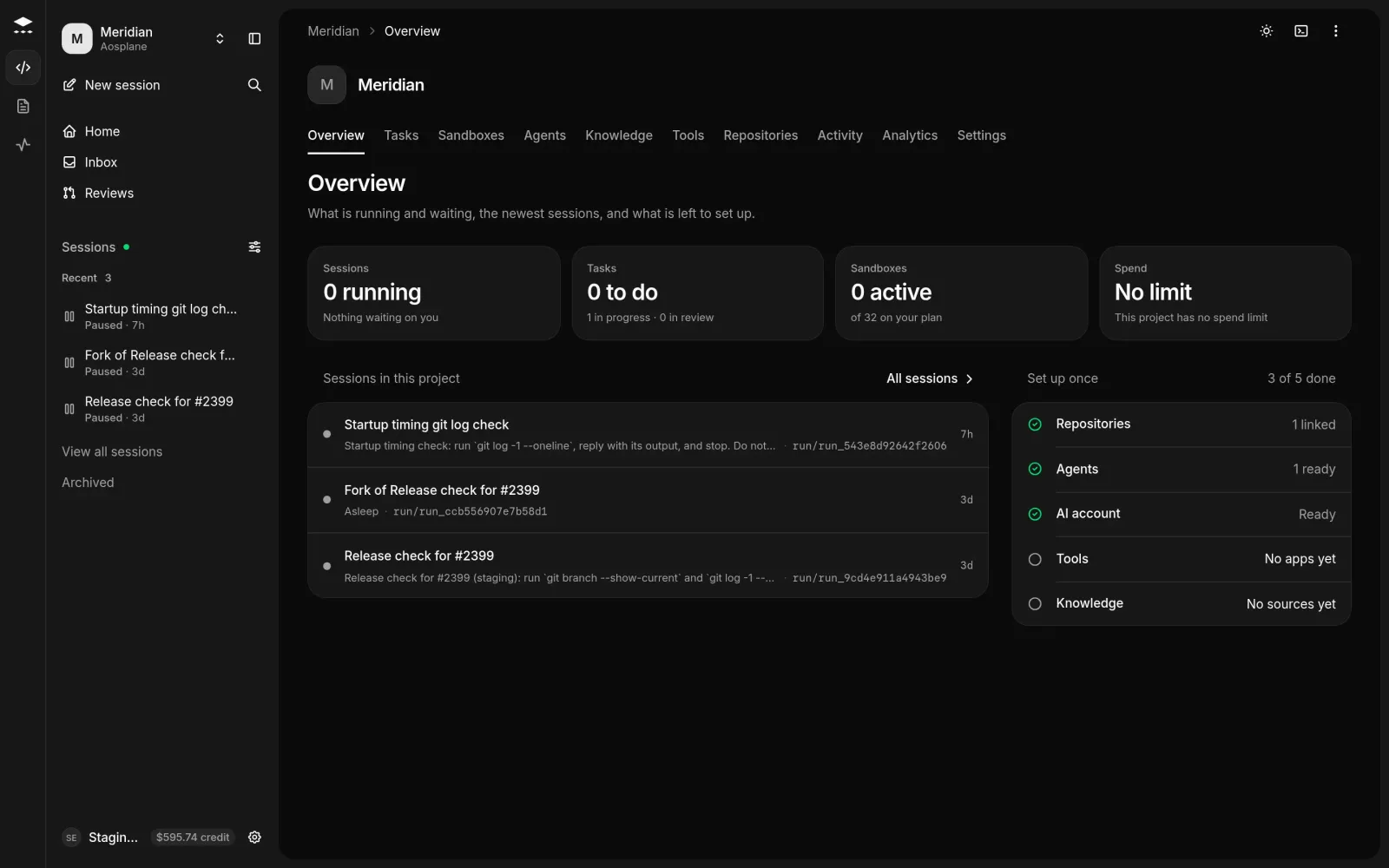
To add a project, choose New project in the project switcher, enter a Project name and Region, and choose Create project. It opens on Agents, where you add its first agent.
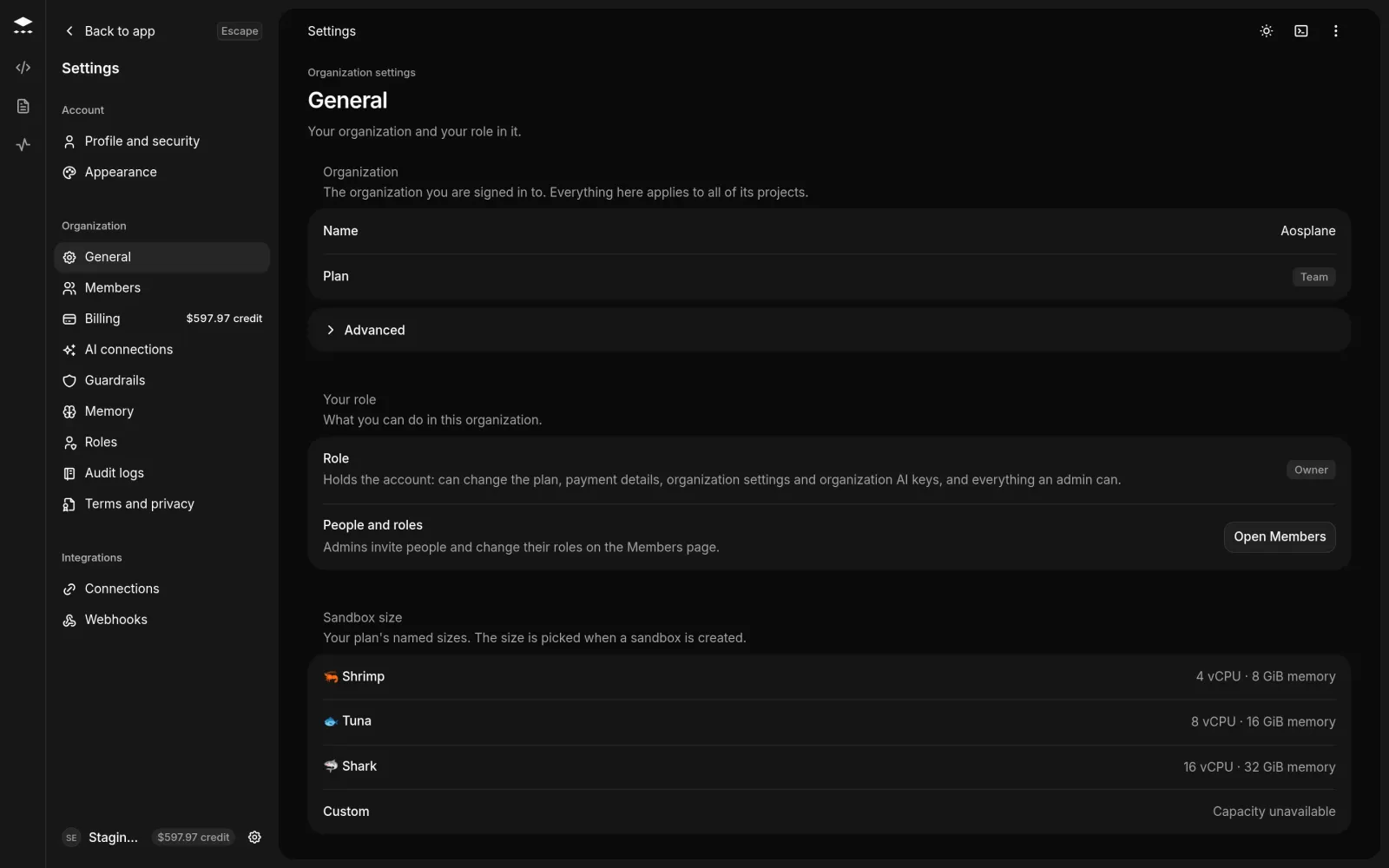
Settings
The gear beside your name opens Settings, and Back to app returns.
Good to know
- You see only what your role can open. For example, SRE shows to Owners, Admins and Engineers. See Members and roles.
- The SRE workspace comes with the Starter, Team and Enterprise plans.
- Press D outside a text field to switch between dark and light. More in Keyboard shortcuts.