
Inbox
Answer everything your agents are waiting on, across every project
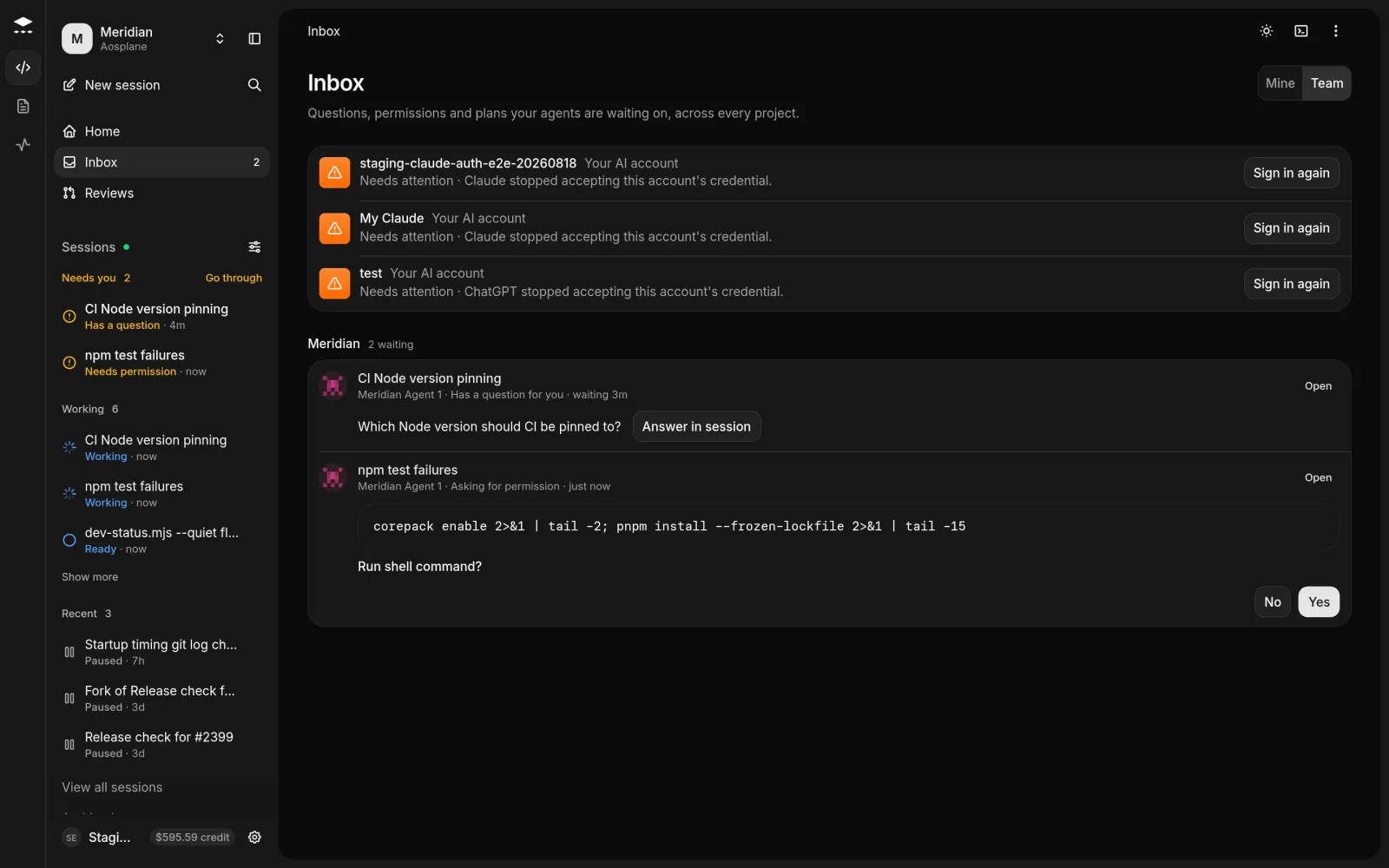
The Inbox collects the questions, permission requests and plans your agents are waiting on, in every project. Answer them in one place instead of opening each session.
Clear your inbox
Pick whose sessions
Choose Mine for sessions you started, or Team for every session in your projects.
Good to know
- An answered item leaves the list right away. The list keeps itself up to date while it’s open.
- The Inbox only offers one-time answers to permission requests. To allow something for good, answer it in the session.
- An AI account that stopped working shows at the top, with Sign in again or Replace the key. Fix it, or every session on that account stays stuck.
- The Inbox shows the 50 sessions that have waited longest. Answer some to see the rest.
- Viewers can answer permission requests. The Billing role can read sessions but can’t answer them.
- Each project’s Tasks tab has the same list for that project, under Needs you. See Tasks.