> For clean Markdown of any page, append .md to the page URL.
> For a complete documentation index, see https://docs.aosplane.io/llms.txt.
> For AI client integration (Claude Code, Cursor, etc.), connect to the MCP server at https://docs.aosplane.io/_mcp/server.
# Tasks
A task is a piece of work written the way you'd ask an agent for it. Keep tasks in a backlog, hand one to an agent when you're ready, and follow its progress without opening the session.
> **Note**
>
> Owners, Admins and Engineers can create, start, change and delete tasks. Everyone else can see them.
## Create a task
#### Open the form
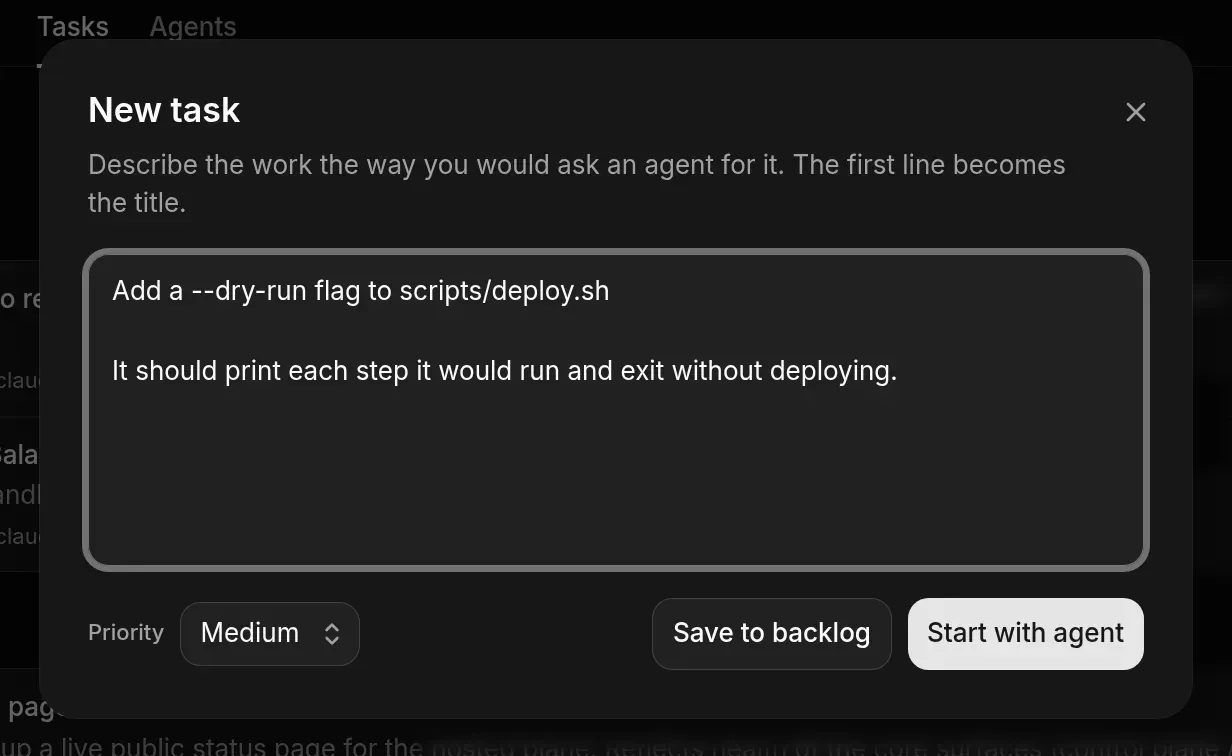
Open the project's **Tasks** tab, choose **Tasks**, then **New task**.
#### Describe the work
Write it the way you'd ask an agent. The first line becomes the title.
#### Set a priority
Choose **Low**, **Medium** (default), **High** or **Urgent**.
#### Save or start
Choose **Save to backlog** to add it to **To do**, or **Start with agent** to go straight to the composer with the task filled in.
## Hand a task to an agent
#### Start it
Choose **Start** on the task's row. The composer opens with the task's text.
#### Start the session
Pick the agent and options, then choose **Start session**. See [Start a session](/start-a-session).
#### Follow it
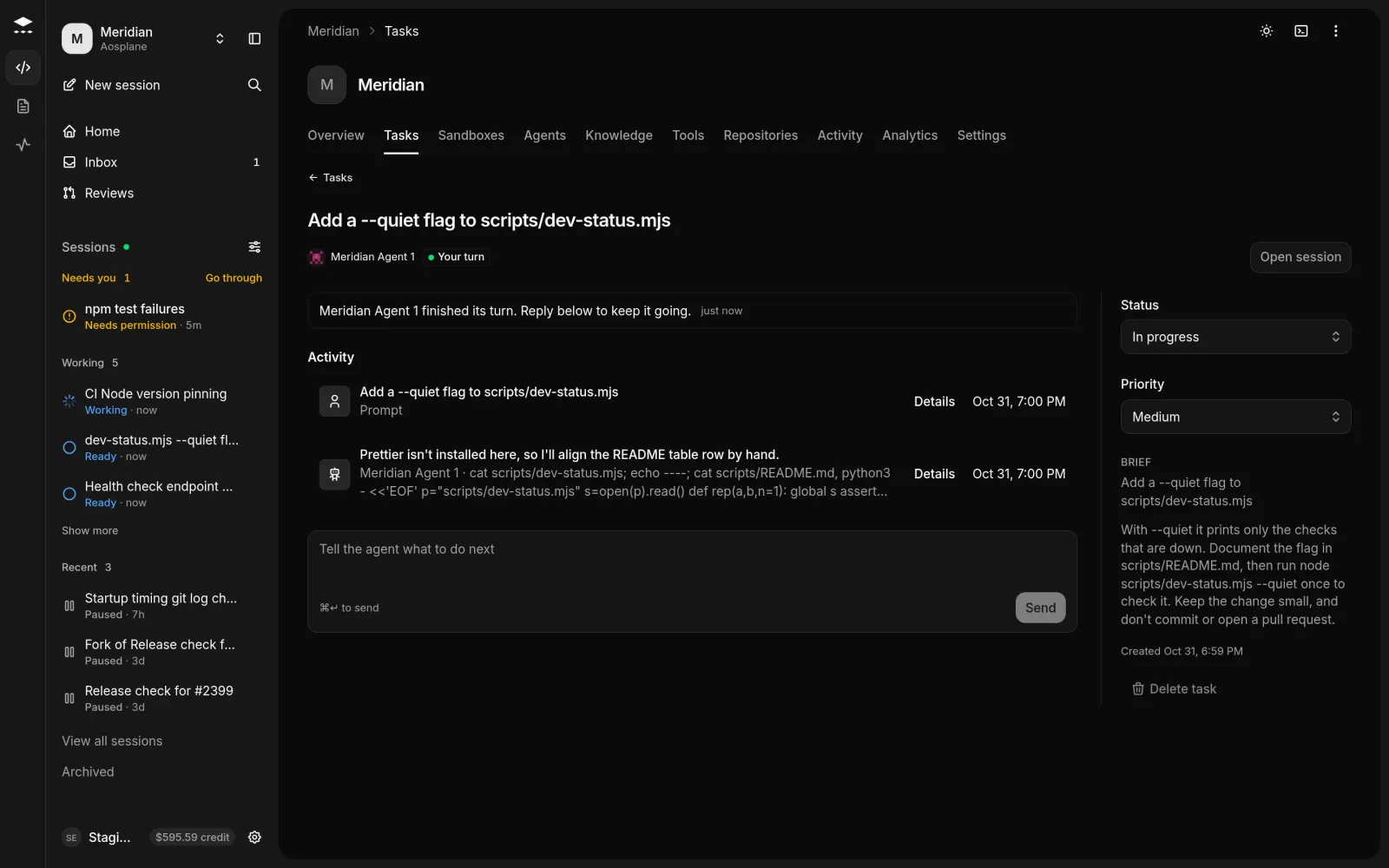
Open the task to see what the agent is doing now, anything **Waiting on you**, its plan and recent activity. Reply in the box and press ⌘Enter or choose **Send**.
## How status moves
| Status | When |
| ----------------------- | ---------------------------------------------------- |
| **To do** | New tasks start here. |
| **In progress** | A session starts on the task. |
| **In review** | The agent opens a pull request, or the session ends. |
| **Done**, **Cancelled** | You set these. AOSplane leaves them alone. |
You can change **Status** and **Priority** on the task's page at any time.
## Good to know
* The **Tasks** tab has three views: **Needs you** (everything the project's agents are waiting on, as in the [Inbox](/inbox)), **Tasks**, and **Agents**.
* **Tasks** shows a **List** grouped by what happens next, or a **Board** with a column per status.
* Tasks also arrive from [Linear](/linear) and [GitHub](/github) when someone hands an issue to AOSplane. The task links to the issue.
* A session started from a task shows **Linked task** at the top.
* A **Done** or **Cancelled** task can't be started. Change its status first.
* **Delete task** works only for a task no session ever worked on. Otherwise set it to **Cancelled**.
* **Agents** compares each agent over **7 days** or **30 days**: sessions, pull requests, **Time to PR** and **Spend**. Labels such as **Earning autonomy**, **Often told no** and **Often fails** hint at which agents could ask less or need a look.
## Related
* [Inbox](/inbox)
* [Start a session](/start-a-session)
* [Linear](/linear)